 Top Echelon (Big Biller)
Connect Top Echelon (Big Biller) to Talin so every candidate and contact you reach out to is created and updated in Top Echelon, with no manual data entry.
- Works as
- ATS and CRM
- Connects with
- Your Top Echelon username and password
- Syncs
- Candidates and contacts, enriched contact info, an active campaign tag, and notes for every email, LinkedIn message, SMS and reply
- Job linking
- Yes
Before you start
Section titled “Before you start”Top Echelon connects with your login. You’ll need:
- your Top Echelon username and password
- access to Integrations in Talin
If you also connect Top Echelon as your CRM, you’ll enter your credentials once for the ATS and once for the CRM.
Connect Top Echelon
Section titled “Connect Top Echelon”-
Go to Integrations in your team settings (or Settings if you’re on a single-user account).
-
Under ATS, select Top Echelon.
-
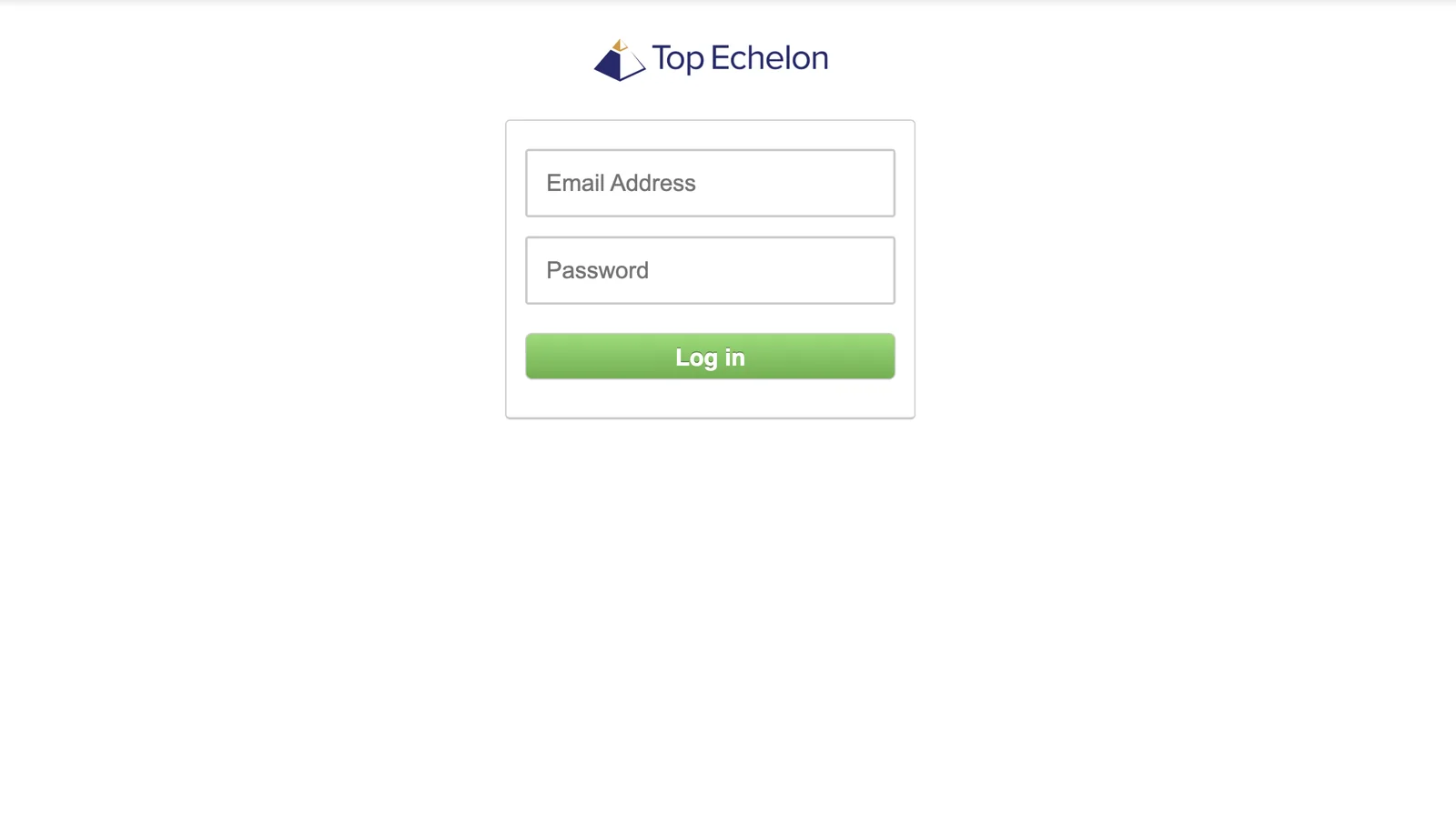
Enter your Top Echelon username and password.
-
Select Log In.
-
Check that Top Echelon shows a green Connected label.
To sync prospects to Top Echelon too, connect it as your CRM:
- On the same Integrations page, under CRM, select Top Echelon.
- Enter your Top Echelon username and password.
- Select Log In.
- Check that Top Echelon (Big Biller) shows a green Connected label under CRM.
Campaign mapping
Section titled “Campaign mapping”With Top Echelon connected as both your ATS and your CRM, select Campaign mapping settings at the top right of Integrations, set candidate campaigns to push to ATS and prospect campaigns to push to CRM, then select Save.
Sync settings
Section titled “Sync settings”Select Settings next to Top Echelon (Big Biller) to choose when contacts are pushed to Top Echelon (Big Biller) and when notes are added. These settings work the same for every integration, and Sync settings explains each one.
We recommend pushing contacts when their email or phone number is enriched, not when they’re uploaded, so Talin can avoid duplicate records.
Link campaigns to Top Echelon jobs
Section titled “Link campaigns to Top Echelon jobs”When you create a candidate campaign, Talin pulls in your open jobs from Top Echelon. Choose the job from the dropdown and every candidate in the campaign is linked to it.
To link a job later:
- Open the campaign.
- Go to Settings, then ATS Job Association.
- Search for the job in Top Echelon and select it.
- Select all contacts in the campaign, select Export, then select Sync to ATS.
Open a contact’s record in Top Echelon (Big Biller)
Section titled “Open a contact’s record in Top Echelon (Big Biller)”Once Talin pushes a contact to Top Echelon (Big Biller), the Top Echelon (Big Biller) icon appears next to their name in your campaign. Select it to open their Top Echelon (Big Biller) record.
Frequently asked questions
Section titled “Frequently asked questions”Why do I have to log in twice?
The ATS and CRM connections are made separately. Log in once under ATS for candidate campaigns and once under CRM for prospect campaigns.
Does SMS activity sync to Top Echelon?
Yes. Email and SMS messages sent through Talin, and the replies you receive, are logged as activity notes.
What happens to the campaign tag when a campaign ends?
Candidates are tagged while they’re in a live Talin campaign. The tag is removed automatically when the campaign ends.
Still need help?
Our team is here when the docs don't cover it.